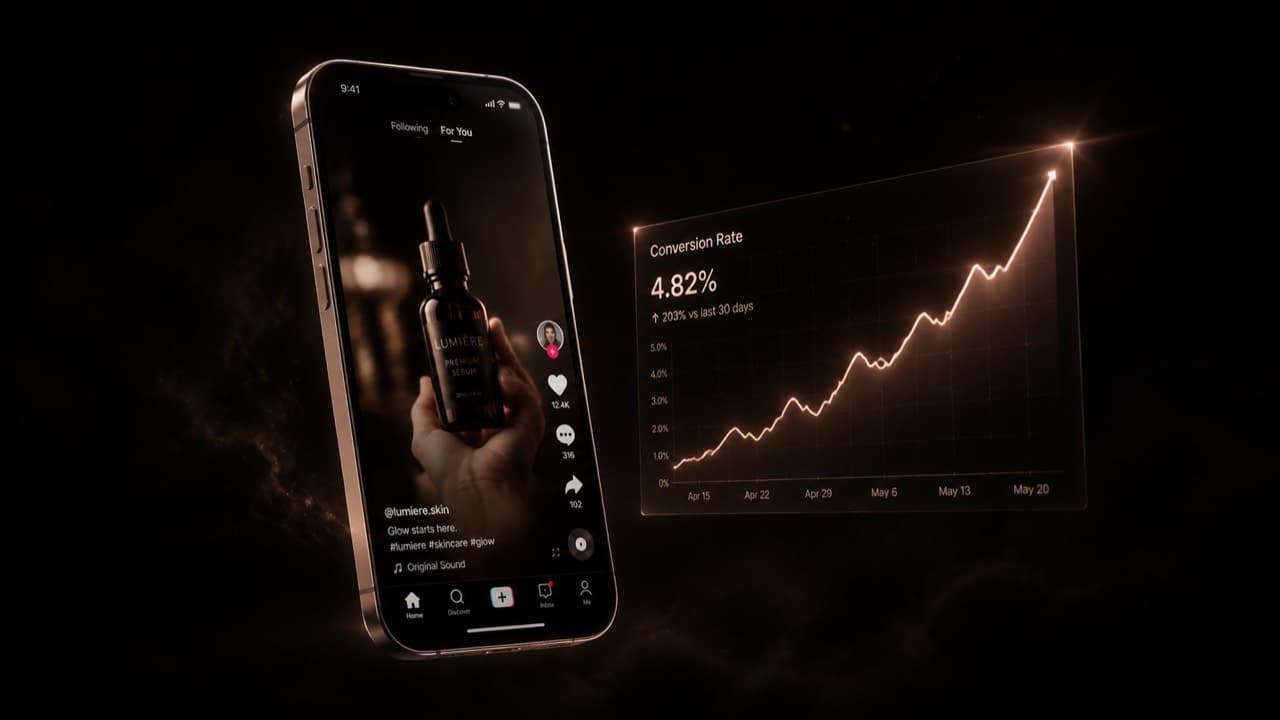
By now you've seen the pattern. A creator switches to AI-generated short-form, posts daily for two weeks, and watches their retention curve flatten and their conversions die. Then they post one human-shot short out of frustration and it does 10× the saves. The conclusion they draw — 'AI video doesn't convert' — is wrong, but the symptom is real. Most AI-generated shorts genuinely don't convert. The reason is rarely the model.
We've watched a lot of creators make this transition and we've seen the same seven mistakes recur in roughly the same order. None of them are about which model you pick. They're about how short-form actually works as a medium, and how the affordances of AI video make it embarrassingly easy to violate the rules that human creators learned by failing publicly for two years on TikTok. This post is the playbook we wish more people had before they spent $400 on credits learning these lessons themselves.
Mistake 1 — The hook is generic
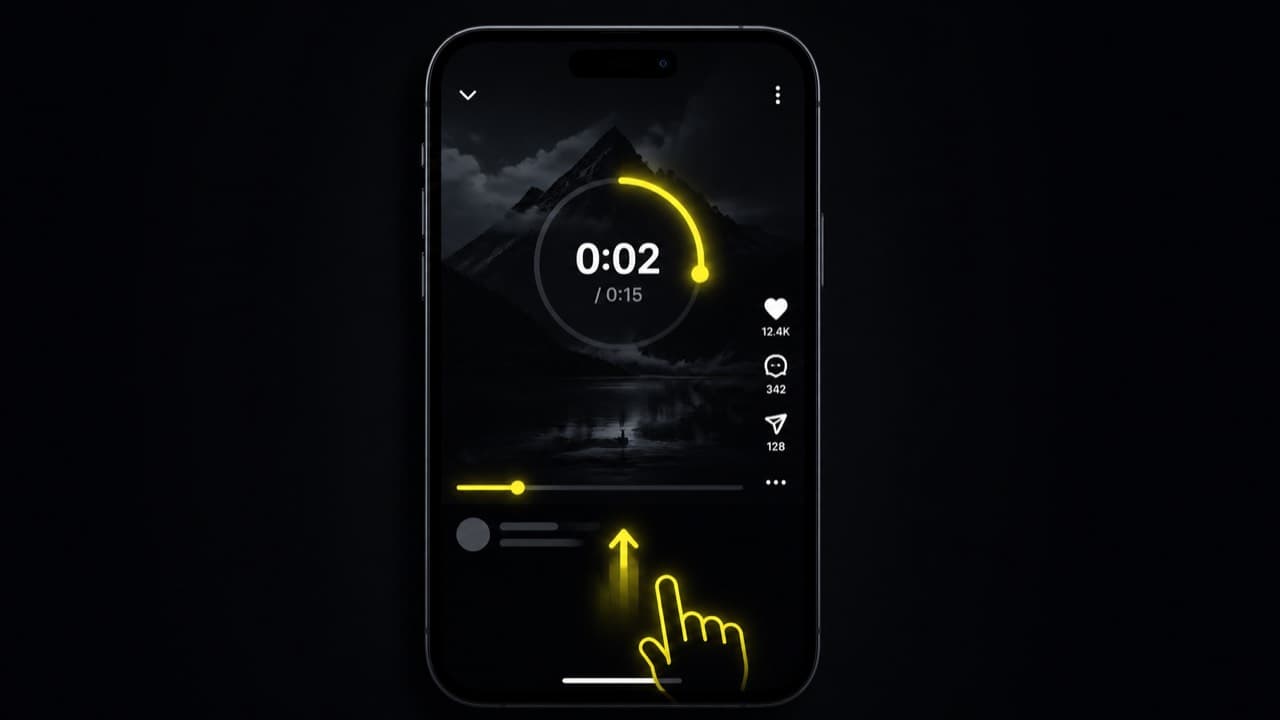
The first 1.5 seconds of a short are the only seconds that matter. If they don't earn the next four, the viewer is gone — and AI video is unusually bad at hooks because the default model behavior is to ramp up. A model given 'a creator talks about a productivity hack' will start with an establishing shot, a slow zoom, and a deep breath before the line. That's death in the feed.
The fix is structural. In your scene-prompt step, label clip 1 explicitly as the hook and write it like a hook: state the payoff visible immediately, with the camera already mid-action and the subject already mid-line. 'Woman holding the bottle, mid-sentence, eye contact, the line is the answer to a question we never see asked.' That works. 'A woman approaches a bottle on a counter' doesn't.
If your tool exposes a hook library, use it. The pattern-interrupt openers (curiosity, stat, contrarian, callout) outperform free-form hooks in basically every test we've run. Pick a category that fits your niche, write the actual line, and let the planner enforce 'open with this beat verbatim or paraphrase tightly.'
Don't pick hook lines because they sound clever — pick them because they performed in your niche. Your TikTok creator center, YouTube studio, or any third-party analytics tool will rank your past hooks by retention. Reuse the top three structurally and let your character deliver them.
Mistake 2 — The character is too polished
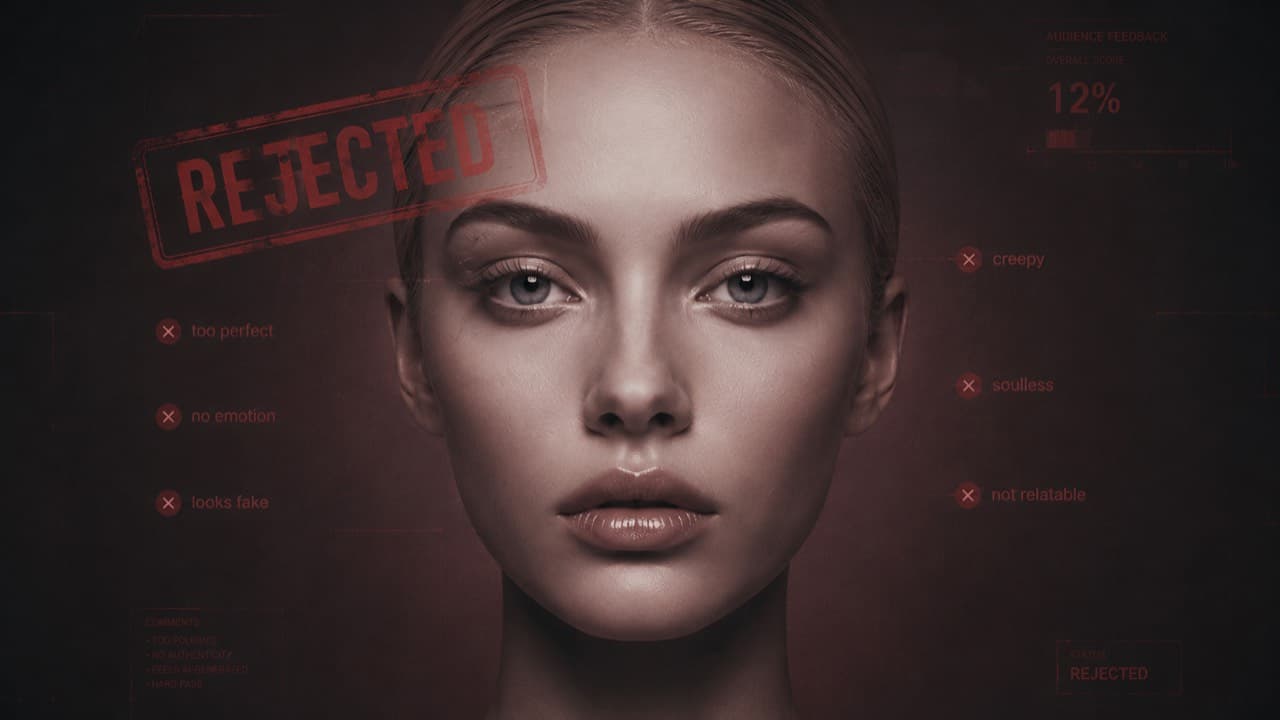
Most image models trained on stock photography output people who look like stock photography: perfect symmetry, plastic skin, magazine lighting, neutral expression. That look performs terribly in UGC feeds because the entire signal of UGC is 'this is a real person showing me something.' A perfectly-lit face short-circuits that signal.
The fix is in your prompt. Whatever model you use to generate the character image, ask for imperfections explicitly: 'Looks like a real person photographed on an iPhone — natural skin texture with visible pores, micro-asymmetries, slightly uneven lighting, a touch of sensor noise. Plain real-world setting (apartment, café corner, hallway).' This is the difference between an AI face that converts and one that doesn't, and it's a prompt tweak.
Then keep that imperfection through the video model. Don't render at 1080p when 720p will do — the down-resolution actually helps; AI faces look more real at 720p than at 1080p because the compression masks the symmetry tells. Don't add 'cinematic' to the per-shot prompt unless the shot is actually meant to be cinematic. UGC is supposed to look like phone footage, not like an ad.
Mistake 3 — Identity drifts across clips
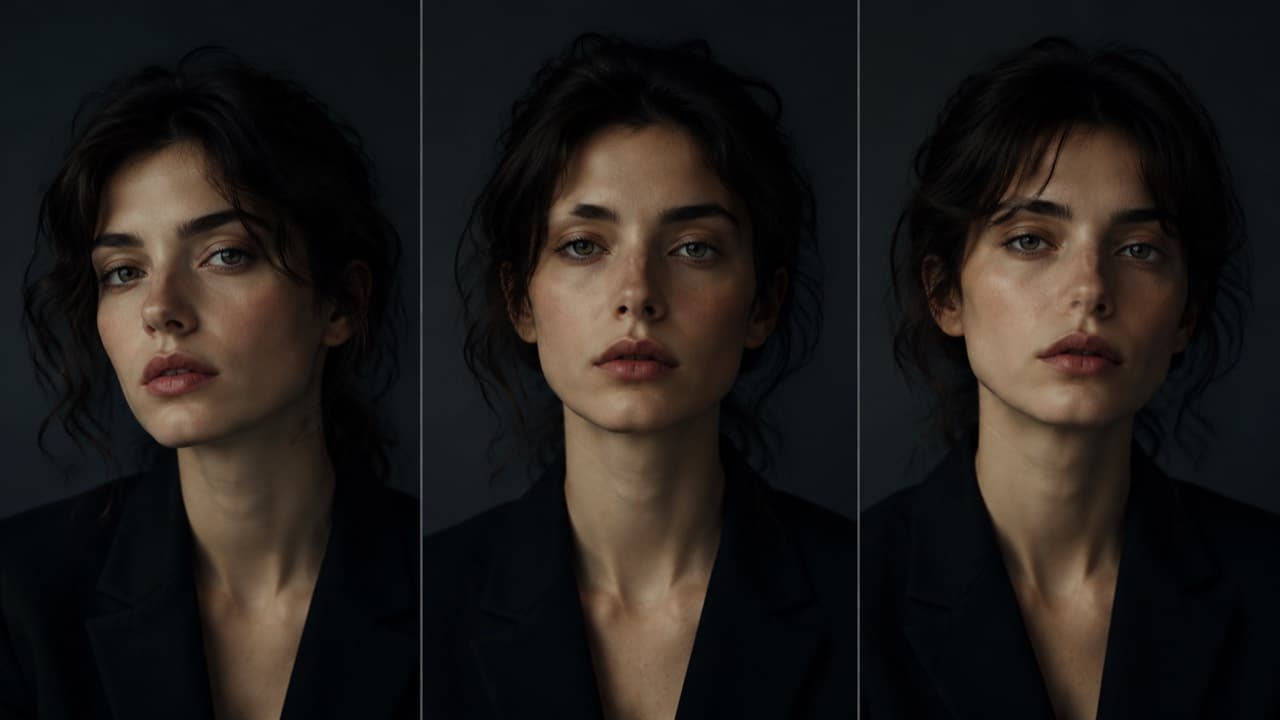
A four-clip short with three slightly-different faces is a four-clip short with no character. Viewers don't always notice the drift consciously, but their retention reads it as 'something feels off' and they swipe. Identity drift is the silent conversion-killer of AI short-form.
The fix is a multi-angle reference pack plus last-frame chaining. Generate three angles of your character (front, three-quarter left, three-quarter right). Pass all three on every clip. After clip 1 finishes, extract the last frame and pass it as an additional reference into clip 2 — wardrobe, lighting, and pose carry forward. Repeat for each subsequent clip. Identity drift collapses to almost zero up to about clip 4; past clip 5 you're better off ending the short or splitting it.
Empirical chain ceiling we've measured across models: three clips reliable, four shaky, five visibly drifting. If your storyboard needs more than five beats, render it as two outputs and edit them together — character won't drift between two separate four-clip generations as long as the reference pack is the same.
Mistake 4 — One master prompt for the whole short
Writing a single prompt and using it for every clip is the default behavior of every AI video tool's onboarding flow. It's also the default reason your shorts feel monotonous. Each clip in a short has a specific job — the hook is supposed to surprise, the setup is supposed to establish stakes, the payoff is supposed to deliver, the outro is supposed to close. One prompt collapses all four jobs into one texture.
The fix is a per-shot prompt with the role named. Hook clips get a 'pattern-interrupt opener' instruction; setup clips get 'establish stakes in 4 seconds'; payoff clips get the actual line of payoff; outro clips get 'close with low energy and direct address.' The model treats each clip differently and the rhythm comes back.
If you're using a tool that has an automatic scene planner (we do), set the planner's preferred-model to the model you actually want — different models prefer slightly different prompt structures, and the planner will adjust. Veo 3.1 prompts want more cinematic-direction language; Seedance prompts want more concrete subject-and-action language; Sora 2 wants conversational physics descriptions. Same content, three different prompt phrasings.
Mistake 5 — Audio is wrong, missing, or out of sync
Audio is half the short. AI audio defaults are not yet at the level where you can post a four-clip short with raw model audio and expect it to feel cohesive. Every clip's audio is generated independently; transitions between clips have audio jolts that are imperceptible on a single play but which destroy retention on the second loop.
Three patterns work. First: turn audio off on most clips and use a single voiceover or licensed track in post — you keep the visual variety and lose the audio jolt. Second: enable native audio only on the clip with actual dialogue (usually the payoff) and silence the rest — phones playback feels seamless because viewers expect ambient silence under voice. Third: use Kling 2.6's audio toggle as a real cost dial — pay for audio only where it's worth paying for.
Lip-sync deserves its own note. All four major audio-capable models (Veo 3.1, Sora 2, Seedance 2.0, Seedance 1.5 Pro) handle clean single-speaker delivery well. Rapid back-and-forth dialogue across two characters is still rough on every model — script around it.
Mistake 6 — No CTA, or a CTA that's a wall of text
AI short-form has a particular failure mode where creators load the entire CTA into the caption — three sentences, two URLs, a hashtag wall. The video itself never asks for action. Viewers who liked the content don't know what to do, so they do nothing.
The fix is to bake the CTA into the last clip. Not the caption — the actual visual outro. Eight words max, delivered to camera, low-energy direct address. 'Comment a recipe and I'll do it next.' 'Save this if you've ever burned the first batch.' 'Link in bio if you want the cheat sheet.' Anything more elaborate dies on a swipe.
Compose this into your scene-prompt step. The outro clip's role isn't 'close the short' — it's 'name the next action and deliver it convincingly.' Treat it as importantly as the hook. The conversion lives in the last 1.5 seconds.
Mistake 7 — Posting too perfect
This one is the most counterintuitive and the most punishing. AI video makes it easy to render at premium models, premium resolutions, with cinematic motion and clean cuts. The result looks like an ad. Ads do not perform in UGC slots. Ads perform in ad slots, and in ad slots you bid against people who paid for ads.
If you're posting in the UGC half of the feed, you need UGC artifacts: handheld camera, slight handheld shake, ambient light, occasional cut-off framing, the kind of mistakes a phone makes. The fix isn't 'use a worse model' — it's 'use the cheap workhorse models with prompts that explicitly call for UGC artifacts.' Seedance 2.0 Fast at 720p with a 'phone-camera handheld feel, natural window light, casual framing' modifier in the global context block looks more like UGC than Veo 3.1 Quality at 1080p ever will.
Higher polish goes to lower-volume, higher-stakes posts. Reserve Veo 3.1 Quality and Sora 2 Pro High for hero shots where production value matches reader expectations (brand collabs, pinned posts, ad slots). For daily content, Seedance Fast 720p is doing real work that no premium model improves on — and it lets you post 5× more often, which is the actual conversion lever.
The 7-point playbook in one screen
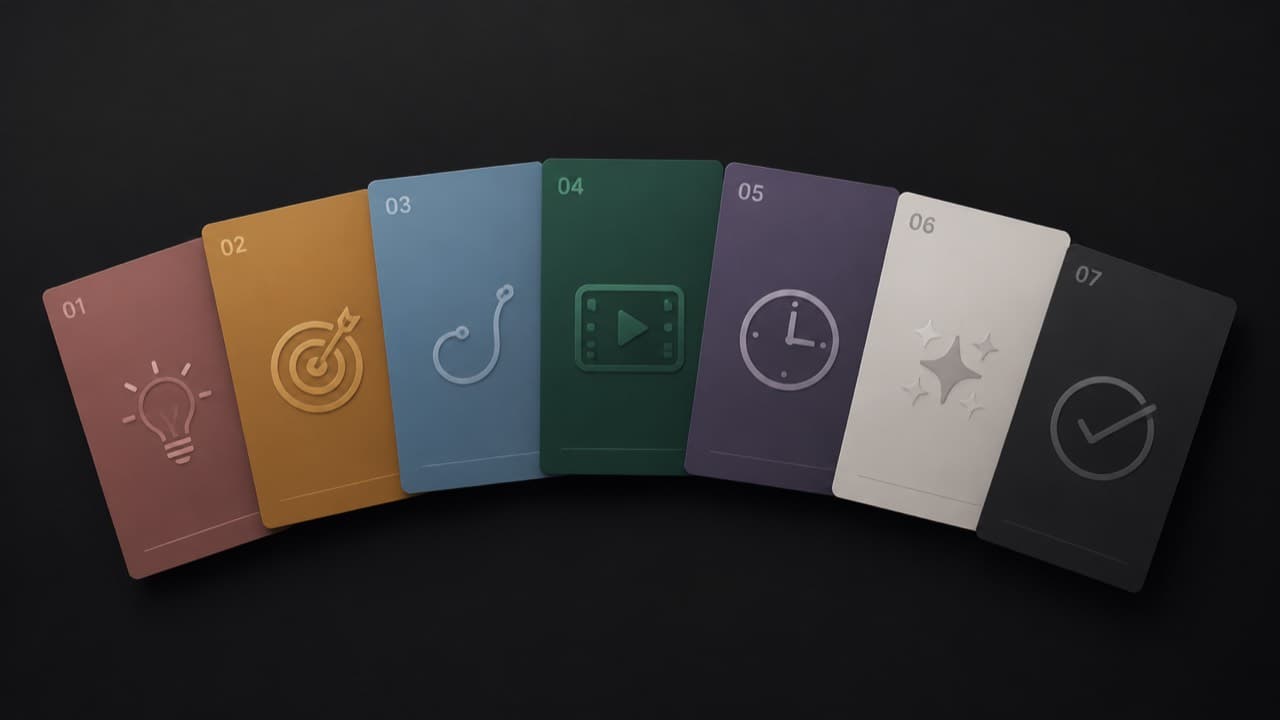
- Write the hook clip explicitly. Open mid-action, mid-line, with the payoff visible. 1.5 seconds is the budget.
- Ask for imperfection in the character image. Pores, micro-asymmetries, real-world setting, sensor noise. Stock-photo faces don't convert.
- Lock identity with a multi-angle reference pack and last-frame chaining. Three reliable, four shaky, five drifting.
- Per-shot prompts, not master prompts. Each clip has a job — hook, setup, payoff, outro — name it and write to it.
- Audio off by default; native audio only on the payoff clip; voiceover everything else in post.
- Bake a one-line CTA into the last clip's actual video. Eight words max, direct address, low energy.
- Use cheap workhorse models with UGC modifiers for daily volume. Reserve premium models for hero shots only.
What good AI short-form actually looks like
When the seven mistakes are absent, AI short-form is genuinely indistinguishable from human-shot UGC at phone playback resolution — and outperforms it on per-creator volume. Creators we know are shipping 4–8 shorts per day with consistent characters, retention curves above 60% at the 6-second mark, and CTR-to-bio in the 4–7% range. Those numbers are not magic; they're the result of taking the seven points above seriously enough to bake them into the production pipeline.
The single biggest advantage AI short-form has over human UGC is that the production pipeline is software, not behavior. You can encode the hook structure, the character lock, the per-shot prompts, the audio defaults, and the CTA as defaults in a tool — and the tool ships your discipline for you. That's the part most creators miss when they evaluate AI video. The model isn't the bottleneck. The pipeline is.
Frequently asked questions
Will AI short-form ever fully replace human UGC?+
No, and it doesn't need to. The slot AI short-form is good at is high-volume, low-stakes daily content where consistency and production speed matter more than individual perfection. Human UGC will keep dominating where the value is the specific person — interviews, reactions, real-life moments. The two coexist.
How long until viewers spot AI characters?+
They already do, often unconsciously. The bar isn't 'fool the viewer.' The bar is 'don't make the viewer care.' If the content is genuinely useful and the character feels imperfect enough, viewers will keep watching even after they suspect it's AI. The killers are uncanny faces and identity drift, not AI itself.
Should I disclose that the character is AI?+
We're agnostic on the disclosure question — it depends on your niche, audience, and platform policy. From a conversion standpoint, disclosed AI characters perform about as well as undisclosed ones in our data, as long as the seven mistakes are absent. The disclosure rarely hurts; the dishonesty does.
What's the right number of clips per short?+
3–5 for a 30-second short, 5–7 for 60 seconds. Past 7 the chain ceiling kicks in and identity drifts. If you need a longer narrative, render two shorts and post them as a series. Series posts often outperform single longer shorts anyway — the second one piggybacks the first one's reach.
How do I A/B test which mistake I'm making?+
Render the same idea twice with one variable changed (e.g. cinematic-prompted vs UGC-prompted, or single-prompt vs per-shot prompts) and post both to a small audience over consecutive days. The retention curves will tell you within a few hundred views. Per-clip cost is so low at the workhorse tiers that an A/B test costs roughly $1 of credits.
ViralTwin defaults to most of the seven points out of the box — per-shot prompts, multi-angle character lock, last-frame chaining, hook library, UGC modifiers. Drop a URL or write a prompt and the canvas does the rest.
Try the canvas