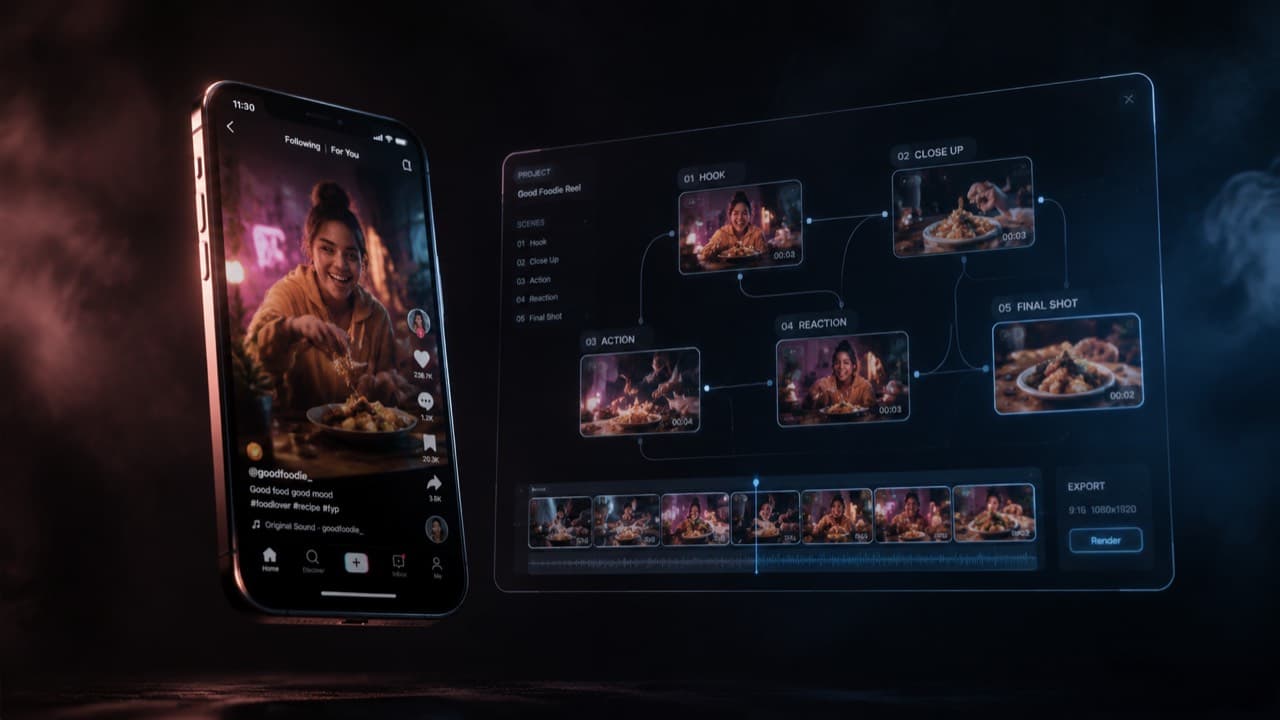
Every successful short-form creator does the same thing in private: they study what's already working, then make their version of it. The structure, the hook, the camera moves, the beat changes — all borrowed, all rebuilt around a different character or product. This is not a moral failing. It's the entire creative loop of TikTok, YouTube Shorts, and Reels. The only thing that's changed is how fast you can close the loop.
Until recently, recreating a viral short meant a half-day's work: download the reference, scrub through it frame by frame, write a shot list, film or generate each clip across two or three AI tools, fight a different content filter on each one, then stitch the result in CapCut and pray the audio sync survives the export. By the time you finished, the trend had already moved.
This post walks through the four-step pipeline that compresses that workflow into under ten minutes — and the specific reasons each step exists. The pipeline is provider-agnostic; we'll use ViralTwin to demonstrate, but the same four steps apply to any modern AI video stack you assemble yourself.
Step 1 — Analyze the source short, scene by scene
The most common mistake creators make is treating a viral short as one undifferentiated blob of video. They drop it into a model with the prompt 'recreate this' and get something vaguely similar with the wrong rhythm, wrong character placement, and wrong dialogue beats. The model doesn't know what made the original work because nobody told it.
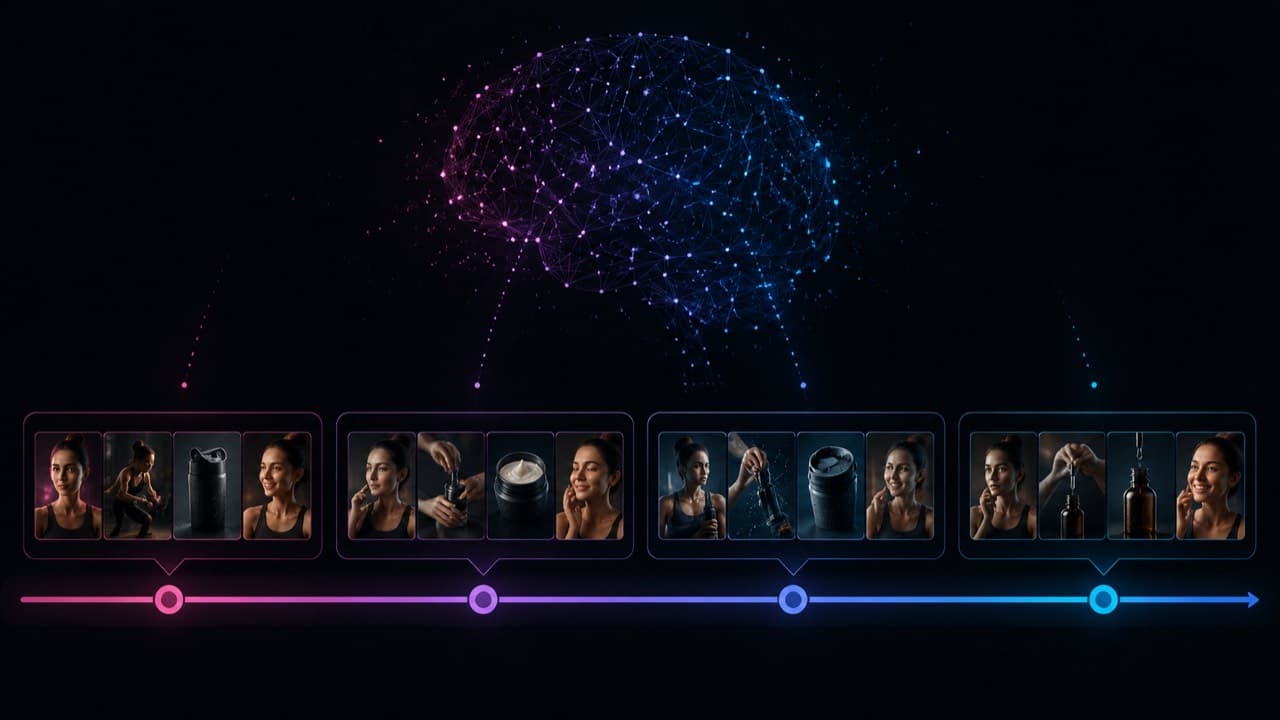
A scene-level analysis fixes that. You break the source into the discrete shots a director would have called — typically four to seven for a 30–60 second short — and capture three things per shot: the visual subject, the camera movement, and any spoken line. Most viral shorts follow a predictable arc: a hook in the first 1–2 seconds, a setup beat, a payoff beat, and an outro. Naming each shot's role in that arc is what lets a model preserve structure when the visuals change.
ViralTwin runs this analysis automatically when you drop a YouTube link. Under the hood it's Gemini 2.5 Pro with a custom system prompt that emits a structured JSON breakdown — scenes, durations, characters, dialogue, dominant style. You can do the same thing manually with any frontier multimodal model; the only difference is twelve clicks vs zero.
Two clips with identical text prompts but different durations produce wildly different videos. A 4-second prompt is a beat; a 10-second prompt is a scene with a movement arc. If your reference short has a 1.5-second hook, your recreation needs a sub-2-second clip in slot one — even if you have to chain a second clip behind it.
Step 2 — Lock your character before you generate anything
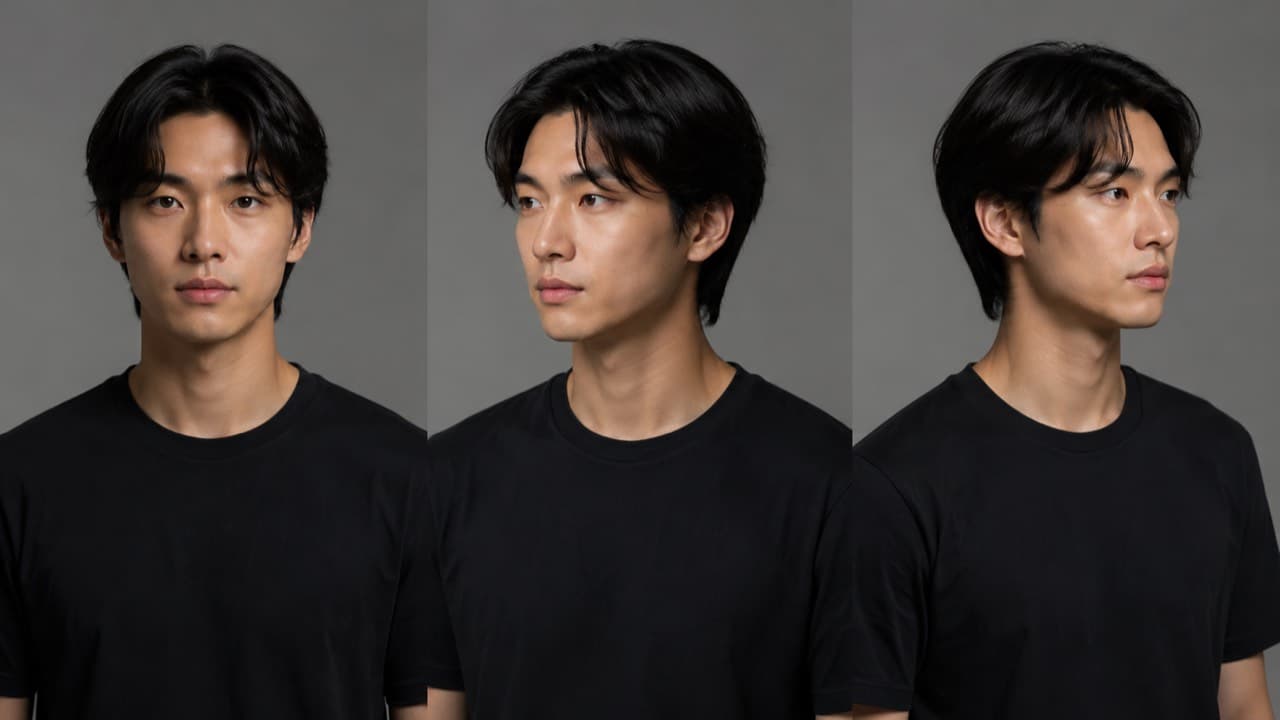
If you skip this step, you will generate four scenes of four different people. Every modern AI video model has the same weakness: identity drift. The face it gives you in clip one is rarely the face it gives you in clip three, and by clip five you've recast the role twice. For text-to-text creators this is invisible; for short-form creators it's the entire problem.
The fix is a character reference pack: a small set of images of the same person from the angles your shots will need. For a remix where the character speaks to camera, you want a front view, a three-quarter left, and a three-quarter right at minimum. Add a full-body shot if any clip steps back. Add a hands-only frame if the original short has product-handling. The model receives these as image references on every clip submission, so identity is anchored at the pixel level rather than at the prompt level.
There are two ways to source the character pack. The slow way: shoot one yourself with a phone and a window. The fast way: generate a fictional character with an image model and lock its identity by reusing the same reference set across every clip. ViralTwin's Influencer node generates a fictional creator persona plus a multi-angle character sheet in about 15 seconds; the same persona's identity then propagates to every video clip the canvas renders.
If you generate a photorealistic AI face, several major video models (Seedance 2.0 in particular) will reject it before reading your prompt — they treat it as a real person and refuse to animate it. The fix is either to use a stylized look, or to mark up the reference image in a way that signals 'reference asset, not real person.' We have a separate post on the character-sheet trick that's been working reliably for us.
Step 3 — Generate each scene with a per-shot prompt
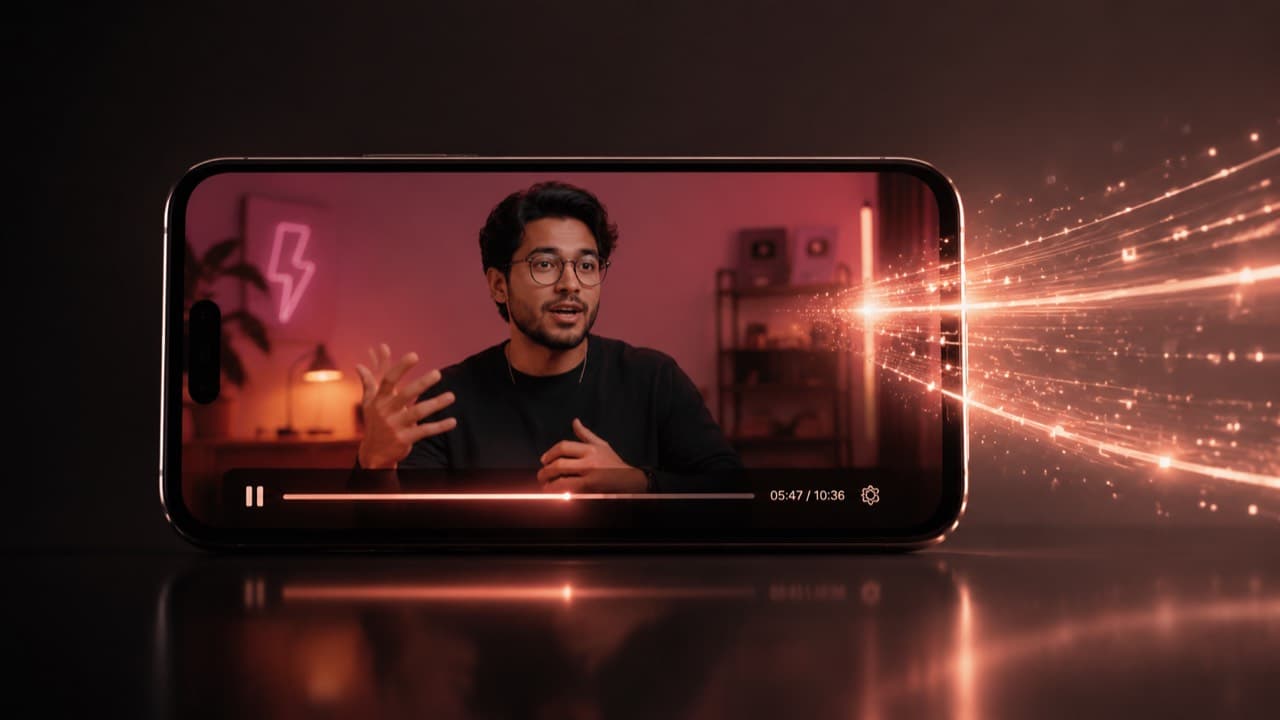
Most creators write one prompt and reuse it for every scene. This is the second-biggest mistake after skipping the character lock. A scene-level prompt has a specific job — describe what happens in those 4–10 seconds, with the camera move, the subject's primary action, and any line of dialogue — and writing one master prompt for the whole short collapses the rhythm into a single texture.
A good per-shot prompt is around 60–100 words for a cinematic clip and up to 180 words for a UGC-style talking-head clip with dialogue timestamps. It opens with the subject and primary action, names exactly one camera move (handheld, slow push-in, top-down, locked off), names exactly one light source, and ends with whatever style modifier matches your reference. If you're chaining product placement, the product gets one explicit reference: 'holding @Product, label visible.'
The model you pick matters here, but probably less than you think. For a tight viral remix where speed and per-clip cost matter, ByteDance's Seedance 2.0 Fast at 720p is an unfairly good default — it costs about a quarter of the price of Veo 3.1 Quality and the difference is often invisible at 9:16 phone playback. Reach for Veo 3.1 or Sora 2 Pro when you need genuinely cinematic motion or the original short has unusually complex camera work. We have a longer comparison post on the model lineup if you want the matrix.
The single biggest cost lever is resolution. 1080p typically costs 2–3× what 720p does for the same clip on the same model, and on a vertical phone the difference is genuinely subtle. Use 720p for daily drafts, A/B testing hooks, and any short you're going to re-edit anyway. Reserve 1080p for the final hero clip you actually post.
Step 4 — Stitch with character continuity, not raw concat
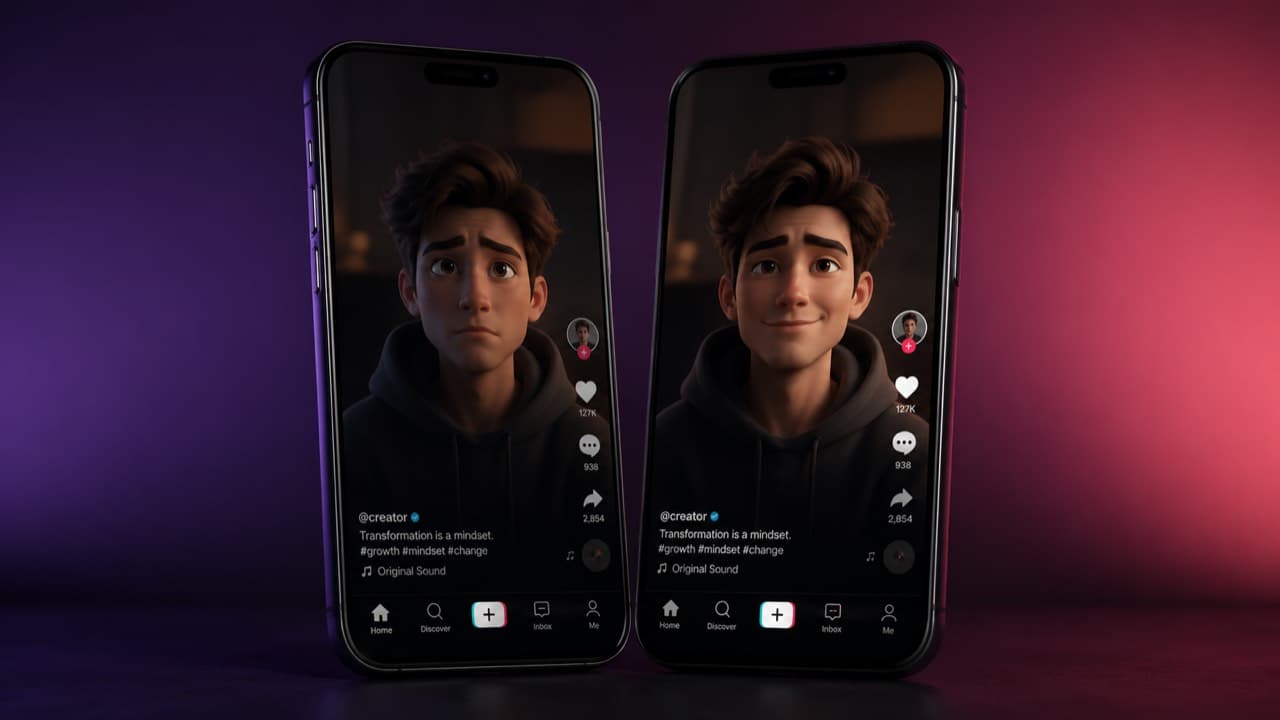
Even with a clean character lock and tight per-shot prompts, you'll occasionally get a transition jolt — clip three's character is wearing a slightly different shade, clip four's camera angle resets the energy. This is where the difference between a raw concat and a real stitching pass shows up.
Two techniques get you most of the way. First: pass the last frame of clip N as a reference image into clip N+1 (in addition to your character pack). The model will pick up the wardrobe, lighting, and pose hint from that frame, which keeps continuity across the seam. Second: enforce a global context block — a 1–3 sentence string that pins identity, lighting temperature, and visual style — and prepend it to every clip's prompt. Same string, every time. Identity drift collapses.
After all clips are ready, you want a re-encode pass rather than a stream-copy concat. Different models output slightly different codecs and frame rates, and a stream copy across mismatched containers will break playback in some browsers. A clean H.264 re-encode at 1080×1920 9:16 with a fixed 30fps target produces a single mp4 that uploads cleanly to every short-form platform.
What 'under 10 minutes' actually looks like
End-to-end on a Pro plan: dropping the source URL is one second. Scene analysis runs in 30–45 seconds. The character lock is already on file from a previous canvas, so it's zero seconds; if you're starting cold, generating a fictional persona's character sheet takes about 15 seconds. The four scene clips render in parallel — each one takes 60–180 seconds depending on the model, but since they run together you only wait for the slowest. Stitching is 15–30 seconds. Total: typically 4–8 minutes wall-clock, never more than 10 unless you're chaining seven or more shots.
The trade-off you're making for that speed is precision. You're not getting a frame-perfect carbon copy of the source — you're getting a structurally faithful remix with your own character, suitable for actually posting. If you need a frame-perfect copy you don't want AI video, you want a video editor. For everything else, the four-step pipeline is the new floor.
Common mistakes that quietly kill the output
- Skipping the analysis step. The model doesn't know what's a hook and what's an outro unless you tell it. Without scene roles, the rhythm goes flat.
- One master prompt for the whole short. Different scenes need different prompts. Master prompts collapse texture.
- Mismatched durations. The reference short has a 1.5-second hook; your recreation has a 6-second hook. The whole short feels off-tempo and you can't tell why.
- Chained too many clips. Past 4–5 clips in a chain, character drift compounds even with reference packs. Split a long short into two outputs and edit them together if you must.
- Dialogue audio expectations. Lip-sync quality is real but it's not perfect. Single-speaker delivery works; rapid back-and-forth dialogue across two characters is still rough on every model.
- Skipping last-frame chaining. A 5% improvement in continuity per clip becomes a 30% improvement across a six-clip chain.
Frequently asked questions
Can I recreate any viral short, or only some kinds?+
The pipeline works best for shorts with clear scene boundaries — UGC, talking-head with cuts, product demos, listicle-style edits. It struggles with shorts that are one continuous take (those are usually shot, not edited) and with shorts whose hook depends entirely on a real-person moment that AI faces don't reproduce convincingly. Anything else is fair game.
Will the recreation look exactly like the original?+
No, and you don't want it to — that would be a copy. The recreation preserves structure, rhythm, and beat placement; the visuals are your character or product. If somebody side-by-sides the two, the rhythm should feel familiar but the content should feel like yours.
What if my character isn't a real person?+
Even better. Fictional creator personas are easier to keep consistent across clips because there's no real reference to drift from — and you skip the entire content-filter problem that real or photorealistic AI faces hit.
How much does one short typically cost?+
On the cheapest workhorse models (Sora 2 standard, Veo 3.1 Lite at 720p) a four-clip recreation costs roughly 12–20 credits, or about $1.20–$2.00 of your monthly bucket. On the premium end (Sora 2 Pro High 1080p, four 15s clips) you're spending 200+ credits. The interactive calculator on our pricing page gives the exact number for any combination.
Can I use the original short's audio?+
We don't extract audio from source videos — that's a copyright minefield we deliberately avoid. The native audio that some video models generate (Veo 3.1, Sora 2, Seedance 2.0) is usable for ambient and lip-sync, but most creators end up replacing it with their own voiceover or licensed music in post.
Drop a YouTube link. We'll analyze the scenes, lock a character, render the clips, and stitch the short — all in one canvas. Free trial includes three full analyses, no card required.
Start a free canvas